
What does low resolution mean?
Resolution describes how many pixels make up an image. A 900 x 900 image contains more pixel information than a 360 x 360 image of the same subject. When an image has fewer pixels than its display size needs, the browser or editor must stretch those pixels, and fine detail becomes harder to preserve.
In practical terms, a low resolution image is an image with a small pixel width and height for the way it will be viewed. The phrase "low resolution image meaning" is therefore about pixel dimensions, not just whether the file is a JPG or whether it looks ugly. A small image can be clean at its intended size and still become blurry when enlarged.
Pixel count is only one part of the result. The source subject, viewing distance, screen density, sharpening, export format, and amount of enlargement all affect whether low resolution images look acceptable.
What does a low resolution image look like?
A low resolution photo often looks fine as a small thumbnail, then loses clarity when you zoom in. Straight lines become soft, small text loses its edges, hair and fabric merge into larger patches, and faces lose fine features. If the image is enlarged aggressively, the individual pixels may become visible as square or stair-stepped blocks.
The visual result depends on how the image was reduced. A careful resize can look smooth and simply lack detail. A low resolution image that is enlarged later can look both soft and pixelated. If it is also saved with strong JPEG compression, you may see block artifacts around text, icons, and high-contrast edges.
This is why a real low resolution image example should show both the pixel dimensions and the viewing context. The same 360 x 360 file may look perfectly usable inside a small avatar, but poor when stretched across a large banner.
Low resolution vs low quality
Low resolution refers specifically to pixel dimensions. Low quality is a broader description of the visible image result. Compression, blur, noise, pixelation, color damage, and repeated saving can all make an image look low quality even when its dimensions are large.
| Concept | What it describes | Typical visual result | Main control |
|---|---|---|---|
| Low resolution | Fewer pixels across the width and height. | Missing fine detail and soft or blocky edges when enlarged. | Output scale, width, height, or resizing. |
| Low image quality | A broad visible result with degraded detail or appearance. | Blur, JPEG blocks, noise, muddy color, pixelation, or rough edges. | Compression, blur, pixels, noise, color, and scale. |
| Small file size | A file that uses fewer KB or MB on disk. | May look unchanged, or may show artifacts if compression is strong. | Output dimensions, format, and JPEG quality. |
| JPEG compression | A lossy export method that removes image information. | Block artifacts, halos, rough gradients, and softened edges. | JPEG quality or compression level. |
If you want to create a broad intentionally damaged look, use the low quality image maker. If you only want fewer pixels, keep the other effects near zero and adjust Output scale first.
Low resolution vs small file size
A smaller file and a lower resolution image often overlap, but they are not interchangeable. File size is measured in KB or MB. Image resolution is measured in pixels. A detailed 900 x 900 JPG can be smaller than a noisy 500 x 500 PNG, depending on the format and image content.
To reduce KB, use a smaller output scale, JPEG format, and a moderate JPEG quality value. To create a low resolution image for a visual style, Output scale is the clearest control because it changes the actual width and height. Check both the result dimensions and the result file size before downloading.
For upload limits and concrete file-size targets, use the reduce image size in KB tool. It is designed for smaller uploads, while this article focuses on understanding what fewer pixels do to image detail.
Common examples of low resolution images
Old phone photos
Older phones often captured fewer pixels than current cameras. The photos can look good at their original size but lose detail when used in a large print, presentation, or desktop wallpaper.
Small social media downloads
A downloaded profile picture or social preview may be intended for a small space. Reusing it as a large image can reveal soft edges and missing texture.
Resized screenshots
Screenshots that are repeatedly resized can make interface text, buttons, and icons difficult to read. The pixel dimensions fall each time the image is reduced.
Enlarged thumbnails
A thumbnail contains enough information for a small preview, not necessarily for a full-width image. Enlarging it creates a common low resolution photo effect.
Images shared through messaging apps
Repeated downloads, screenshots, and re-uploads can combine lower dimensions with JPEG artifacts. The result may be both low resolution and low quality.
How to make an image low resolution
The simplest way to make an image low resolution is to reduce its output dimensions before exporting it. In this tool, Output scale changes the width and height together while preserving the original aspect ratio.
- Upload a JPG, PNG, or WebP image.
- Leave the visual effects neutral if you only want fewer pixels.
- Set Output scale to 60% for a visible but usable reduction.
- Try 40% for a small preview or thumbnail-like result.
- Use 25% or lower only when strong detail loss is intentional.
- Check the result dimensions and KB below the preview.
- Download the JPG when the result looks right at its final size.
Do not judge the result only by the enlarged editor preview. A 225 x 225 image may look very soft when stretched inside a large preview frame but perfectly suitable as a small avatar or thumbnail. Always compare it at the size where it will actually be used.
Best output scale settings
Use these ranges as starting points rather than fixed rules. The right scale depends on the source dimensions and whether the result must keep text, faces, or product detail readable.
| Goal | Output scale | 900px example | Good for |
|---|---|---|---|
| Readable image | 80-100% | 720-900px from a 900px source | Small previews, profile images, and references that should remain clear. |
| Social image | 60-80% | 540-720px from a 900px source | A visible reduction that still keeps the main subject recognizable. |
| Small preview | 40-60% | 360-540px from a 900px source | Thumbnails, casual sharing, low-bandwidth pages, and old-web styling. |
| Thumbnail-like result | 25-40% | 225-360px from a 900px source | A visibly low resolution image where fine detail is no longer important. |
| Extreme reduction | 15-25% | 135-225px from a 900px source | Strong pixel loss, abstract results, and deliberately rough visual effects. |
Start higher and move lower. It is easier to remove more detail after seeing the preview than to recover a face or a line of text after an extreme reduction.
Low resolution image example: one setting at a time
The comparison below uses the same 900 x 900 source and the same browser JPG workflow. Output scale is the variable. Each card keeps a common comparison frame so the visual size of the cards stays consistent, while the labels show the actual output dimensions and file size.
At 80%, the image loses some pixels but remains close to the source. At 60% and 40%, the lower resolution becomes more useful for small previews and casual sharing. At 25%, the image has only 225 x 225 pixels, so enlarging it reveals obvious softness and lost detail.
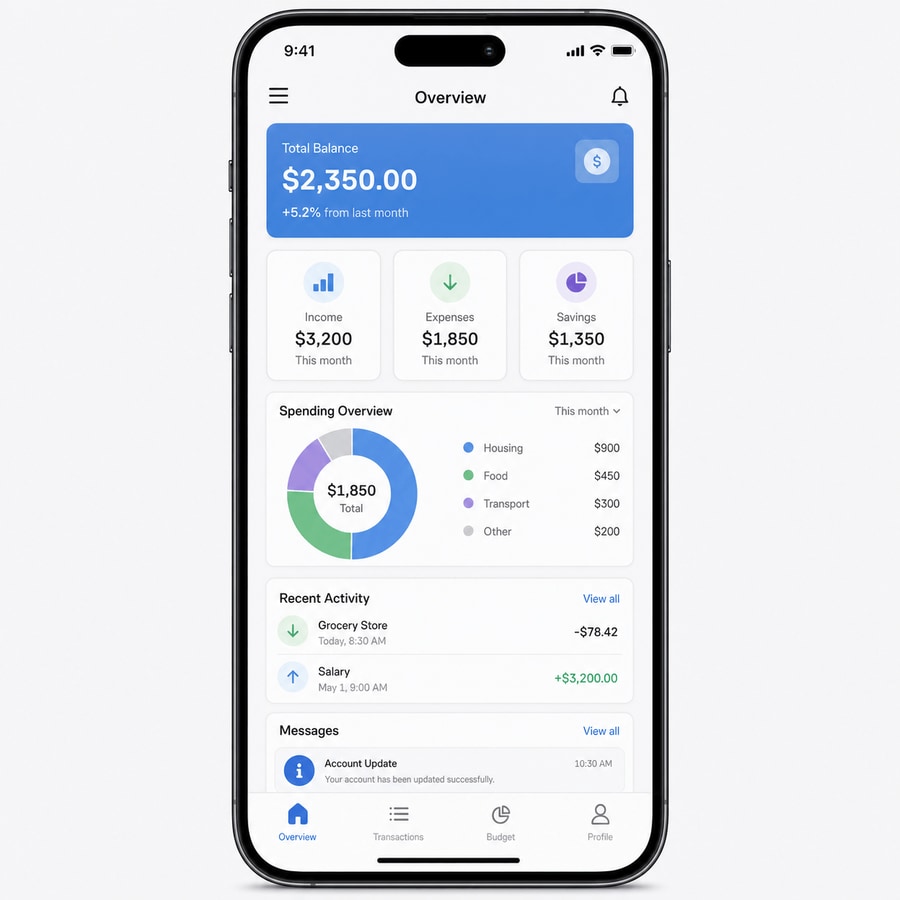
This is the baseline image. The four results below use the same subject and comparison frame, but export fewer pixels.
- Source
- 900x900 JPEG
- Original size
- 68 KB
- JPEG quality
- 80
- Changed setting
- Output scale only
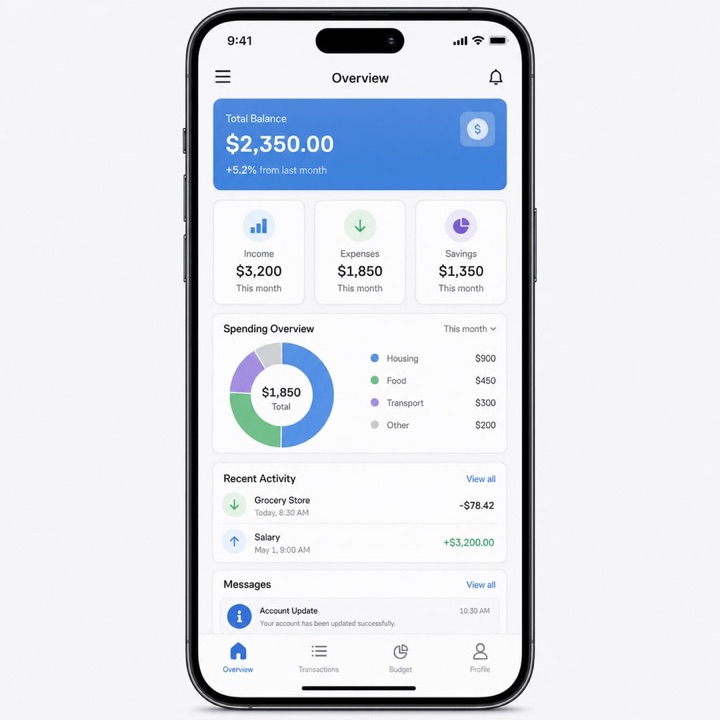
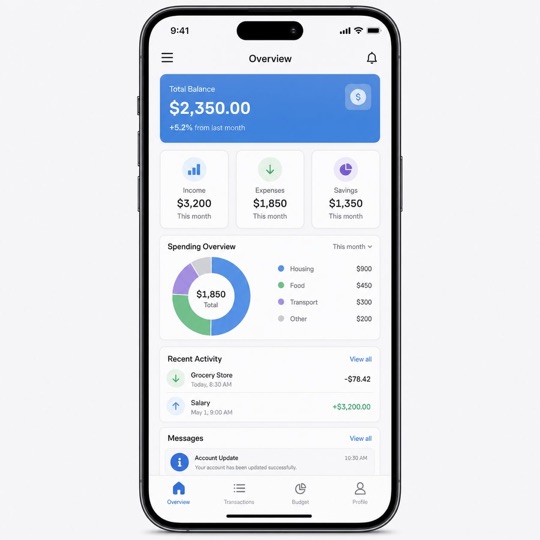
File sizes are measured from the local example files. Results vary with the source image, format, browser encoder, and JPEG quality.
Can a low resolution image still have good quality?
Yes. "Good quality" depends on the intended display size. A clean 360 x 360 image can look sharp inside a small profile avatar, while a 2000 x 2000 image with heavy compression can look visibly worse. Resolution is a limit on available detail, not a complete judgment of the image.
Keep the subject centered, avoid enlarging the final file, and export with moderate JPEG quality if you want a low resolution image that still looks controlled. For a broader intentionally damaged result, read What Is a Low Quality Image?and How to Make a Photo Look Low Quality.
How to make a low resolution image look intentionally bad
Lowering resolution alone creates fewer pixels, but it may not create the rough style you want. Add JPEG compression for blocks and halos, Pixel size for visible square patterns, Blur for softened edges, or Noise for a rough copied texture. Change one main setting first so you can tell which control created the result.
For tested JPEG ranges, seeBest JPEG Quality Settings for Low-Quality Images. For visible square blocks, use thepixelation guide. For stronger control over several kinds of damage, use the image quality degrader. The goal is to decide whether the image should be merely small, visibly low resolution, or deliberately low quality.
Choose the right image tool
Use theLow Quality Image Makerwhen you want a complete rough-image effect. Use theImage Degraderwhen you want to test compression, pixels, blur, color, and noise individually. Both tools process images locally in the browser.
FAQ
What is a low resolution image?
A low resolution image has fewer pixels than the display size or the original image needs. It contains less spatial detail, so it may look soft, blocky, or blurry when enlarged.
What does low resolution mean?
Low resolution means that an image has relatively few pixels in its width and height. For example, a 360x360 image has fewer pixels and less detail than the same scene stored at 900x900.
Is low resolution the same as low quality?
No. Low resolution describes pixel dimensions, while low quality describes the visible result. An image can be low resolution but clean, or large but low quality because of compression, blur, noise, or repeated saving.
How do I make an image low resolution?
Upload the image, set Output scale below 100%, and choose a percentage based on the detail you want to remove. Start around 60% for a visible reduction, then compare the result at its final display size.
Does lowering resolution reduce image file size?
Usually yes. Fewer pixels give the exported image less data to store, especially when you also use JPEG format and moderate quality. The exact KB depends on the image content and export settings.
Can a low resolution photo still look good?
Yes. A low resolution photo can look acceptable when it is displayed small and the original resize is clean. Problems become obvious when the image is enlarged beyond its pixel dimensions.